 Website


create website with ai
Build a Small Business Website With AI Using Ready Briefs
Create a live small business site with AI using ready briefs, a seven step build process, and a launch checklist. Try WebsitePublisher.ai for multi-AI...

You can create a working, responsive website with AI in minutes by using an AI website builder and a clear brief. Speed is real: most tools generate a live layout, starter copy, and images before you finish your coffee. Limits are real too. You’ll still need to polish SEO, review copy, and connect a few integrations before the site is ready for customers.
TL;DR:
- AI website builders reliably produce responsive layouts, core pages, and actual content within minutes, but complex features and custom integrations still require manual setup.
- Clear, detailed prompts including business goals, target audience, and specific SEO keywords significantly reduce revision cycles and improve build quality.
- Platforms supporting extensive integrations for payments, CRM, and dynamic content save time and prevent future rebuilds, especially for mid- to large-scale sites.
- Pre-launch checks are vital, covering SEO basics, accessibility, performance, and functionality testing to ensure the site is truly ready for public launch.
- Data security depends on the platform’s handling of prompts, user data, and integrations, requiring verification of privacy policies, export options, and secure connection practices.
Table of Contents
- What Does an AI Website Builder Actually Build?
- How Do You Create a Website With AI Step by Step?
- What Makes an AI Prompt Good Enough to Skip Revisions?
- Which Features and Integrations Should You Verify Before You Build?
- What Belongs on Your Pre-Launch Checklist?
- Does an AI Website Builder Fit Your Business?
- How Do You Maintain a Website After AI Builds It?
- Is Your Data Safe With an AI Website Builder?
- When Should You Build With AI and When Should You Hire Help?
- Build Your Site Today With WebsitePublisher
- Sources
What Does an AI Website Builder Actually Build?
An AI website builder takes your prompt and produces a working draft, not just a mockup. You get a responsive layout, a set of core pages, starter copy written for your industry, images or placeholder graphics, and basic contact forms, all wrapped in live hosting you can preview immediately.
Some platforms go further. Figma’s AI website generator can turn a short description into production-ready code that a developer can refine later, which matters if you eventually want a technical team to extend the site. Most tools also generate real content instead of “lorem ipsum” filler, so you’re reviewing actual sentences from day one, according to Design.
Here’s what to expect out of the box:
- A responsive homepage, about page, and contact page built from your prompt
- Starter copy and stock or AI-generated images matched to your industry
- Basic lead-capture forms and simple navigation
- Hosting and SSL included, with no server setup required
Where AI builders fall short is anything custom. Complex booking systems, member logins, or multi-step checkout flows usually need integrations layered on top. A platform built with 104-plus pre-built integrations closes that gap without forcing you to hire a developer for every added feature.
How Do You Create a Website With AI Step by Step?
Building a site with AI follows a predictable rhythm once you know the sequence. Skip a step, and you’ll end up rebuilding sections later.
- Write your brief first. Note your business goal, target audience, the pages you need, your main call to action, and any required integrations like payments or email capture.
- Generate your first draft. Type your brief as a prompt, or import a reference like a Figma file or an existing site URL if you have brand elements to match.
- Review the variants. Most builders produce more than one layout option. Pick the one closest to your vision rather than the “safest” choice; it’s easier to adjust a strong draft than fix a bland one.
- Customize in the visual editor. Swap copy, images, and sections using either point-and-click editing or follow-up prompts like “shorten this headline” or “add a testimonials section above the footer.”
- Connect your domain and tools. Link your custom domain, confirm SSL is active, and wire up analytics, contact forms, and payment processors.
- Test everything end to end. Submit a test form, run a test payment if you’re selling anything, and click every link before you tell a single customer the site exists.
- Publish and verify. Check the live site on your phone, confirm analytics is firing, and scan for broken links one more time.
Importing a design reference speeds this whole process along, since the AI has actual brand direction to work from instead of guessing, a pattern Figma Make supports directly for teams handing off between designers and developers.
Pro Tip: Generate three variants before you commit to editing one. Picking the closest match up front saves far more time than trying to force a mediocre draft into shape later.
What Makes an AI Prompt Good Enough to Skip Revisions?
Vague prompts produce vague websites. If you type “build me a bakery website,” you’ll get something generic that needs three more rounds of edits. A strong prompt does the heavy lifting up front.
Include these five things in every brief:
- Your business goal (sell products, book appointments, capture leads)
- Your target audience in one sentence
- The primary call to action you want visitors to take
- The specific pages and sections you need (home, menu, booking, testimonials)
- Three to five SEO keywords your customers actually search for
If you have a reference in mind, paste a Figma link or a competitor URL instead of describing it in words. Iteration matters too: instead of saying “I don’t like the header,” try something specific like “make the hero button text more action oriented, and cut the headline to six or eight words.” Specific instructions get specific results.
Industry observers consistently find that prompt clarity is the single biggest driver of build quality. The more detail you load into your first prompt, the fewer revision cycles you’ll burn later.
Which Features and Integrations Should You Verify Before You Build?
Not every AI builder handles the same workload. Before you commit real time to a build, confirm the platform covers what your business actually needs, not just what looks good in a demo video.
- Hosting and domain support. Confirm SSL is included and check whether you can connect a custom domain without extra fees.
- Code ownership. Ask whether your site’s code is exportable or whether you’re locked into the platform’s ecosystem permanently.
- CMS and editing controls. Look for a visual editor that lets you update content and images yourself, without reopening an AI chat every time.
- Integrations. Confirm support for forms, email delivery, payment processors like Stripe or PayPal, CRM connections, webhooks, and analytics.
- Backend capability. A truly dynamic site (member logins, databases, personalized content) needs a real backend, not just static pages dressed up to look interactive.
Platforms that treat integrations as core infrastructure, rather than an afterthought, save you from hiring a developer the moment you want to add a booking calendar or a payment button. WebsitePublisher to backend support and dynamic data is built specifically around that gap.
What Belongs on Your Pre-Launch Checklist?
A site that’s “built” isn’t the same as a site that’s “ready.” Run through this checklist before you share the link with a single customer.
- Lock down SEO basics. Set unique page titles and meta descriptions, confirm your heading hierarchy runs logically from H1 to H2, add alt text to every image, and generate a sitemap.
- Check accessibility. Test color contrast, confirm your tab order makes sense for keyboard navigation, and make sure focus states are visible when tabbing through links.
- Optimize performance. Compress large images, enable lazy loading where supported, and load the site on an actual phone, not just your desktop browser.
- Test every function. Submit a real form, process a test payment, click every redirect, confirm your DNS has fully propagated, and check that analytics events are firing correctly.
AI-generated pages rarely arrive fully SEO-ready. TechRadar Pro’s guidance on AI website prompts recommends using AI to build the skeleton, then running a manual audit of semantic markup, heading structure, and internal linking before you expect real search visibility.
Pro Tip: Run your mobile test on an actual phone, not a browser’s device emulator. Real touch targets and real load times catch problems emulators miss entirely.
Does an AI Website Builder Fit Your Business?
The right test isn’t “is this technology impressive?” It’s “does this match what I’m actually building?” A solo consultant needing a five-page brochure site has very different requirements than a retailer running twelve product categories with inventory sync.
Start by mapping your complexity level honestly. If your site needs a handful of static pages, a contact form, and maybe a booking widget, an AI builder handles that comfortably and quickly. If you need custom logic, multi-user permissions, or a workflow no template anticipated, you’re pushing into territory where a developer’s judgment still beats a prompt.
Next, weigh your integration list against what the platform supports natively. A business that needs Stripe payments, email automation, and a CRM connection should confirm all three exist before building, not after launch when a missing piece forces a rebuild. Specifying your exact payment processor and any webhook endpoints in your original brief helps the AI select the right integration pattern the first time, rather than guessing at a generic solution you’ll swap out later.
Finally, consider your appetite for ongoing hands-on editing. If you want to tweak copy and images yourself every month without technical help, prioritize a visual editor over one that requires reopening an AI chat session for every small change. That single factor determines whether the site feels like a tool you control or a black box you’re stuck negotiating with.

How Do You Maintain a Website After AI Builds It?
Launching is the beginning, not the finish line. AI-generated copy and images need the same ongoing attention as any other website content, arguably more, since a first draft written by AI can drift from your actual offerings if you don’t revisit it.
Set a recurring calendar reminder, monthly for small sites, weekly for anything with active promotions, to review your homepage messaging, check that pricing and hours are current, and confirm every form still delivers to the right inbox. Broken integrations are the most common silent failure: a payment processor update or an expired API key can quietly stop a contact form from working for weeks before anyone notices.
Treat your images and testimonials as living content, not a one-time setup task. Swap in new customer photos, update seasonal promotions, and retire outdated case studies before they start looking stale to returning visitors. If your builder supports reusable components rather than one-off page edits, updating one element, like your pricing table, across every page it appears on takes a single change instead of hunting through each page manually.

The best practice is separating what needs a human eye from what can run on autopilot. Analytics tracking and uptime monitoring can run unattended. Brand voice, current offers, and legal pages like your privacy policy need a human to check them on a schedule, because AI won’t flag that your “20% off” banner expired eight months ago.
Is Your Data Safe With an AI Website Builder?
Handing your business content to an AI platform raises fair questions about where that data lives and who can see it. Before you build, understand what you’re actually agreeing to.
Check whether the platform stores your prompts and generated content to train future models, or keeps your project data separate and private to your account. This distinction matters more for businesses handling sensitive customer information, health details, financial data, or anything under industry-specific privacy rules, than for a simple portfolio site.
Confirm how payment and customer data flow once you connect integrations. A platform that routes payments directly through established processors like Stripe or PayPal, rather than storing card data itself, reduces your liability significantly since you’re not the one holding sensitive financial information. Ask the same question about any CRM or email integration: does customer data pass through the builder’s servers, or connect directly between your site and the third-party tool?
Look for basic security fundamentals too. SSL should be automatic and included, not an upsell. API keys for any connected service should be securely stored and never exposed in your site’s public code. And if you ever want to leave the platform, check whether you can export your content and data rather than losing everything to a locked ecosystem.
None of this should scare you away from building with AI. It should just shape which platform you choose and what questions you ask before you commit your customer’s information to it.
When Should You Build With AI and When Should You Hire Help?
AI is the right call for landing pages, portfolios, small business brochure sites, and fast MVPs you need live this week, not next quarter. It’s the wrong call for large custom applications, intricate approval workflows, or brand-critical design work where every pixel needs a human’s judgment behind it.
Most small businesses live comfortably in the first category, which is exactly why AI builders have gained so much ground. The mistake I see is business owners assuming they have to pick a lane permanently: either full AI or full custom development, with nothing in between. That’s a false choice. A platform that combines conversational builds with real backend integrations, the way WebsitePublisher does, lets you start fast and add complexity later without a total rebuild or a painful handoff to a new team.
Build Your Site Today With WebsitePublisher
WebsitePublisher gets you further past “draft” and closer to “launched” than most builders, because it pairs conversational prompts with a real backend instead of stopping at static pages. You can describe your site in plain language, work with ChatGPT, Claude, or Mistral depending on your preference, and tap into 104-plus built-in integrations for payments, email, and lead capture without writing a line of code.
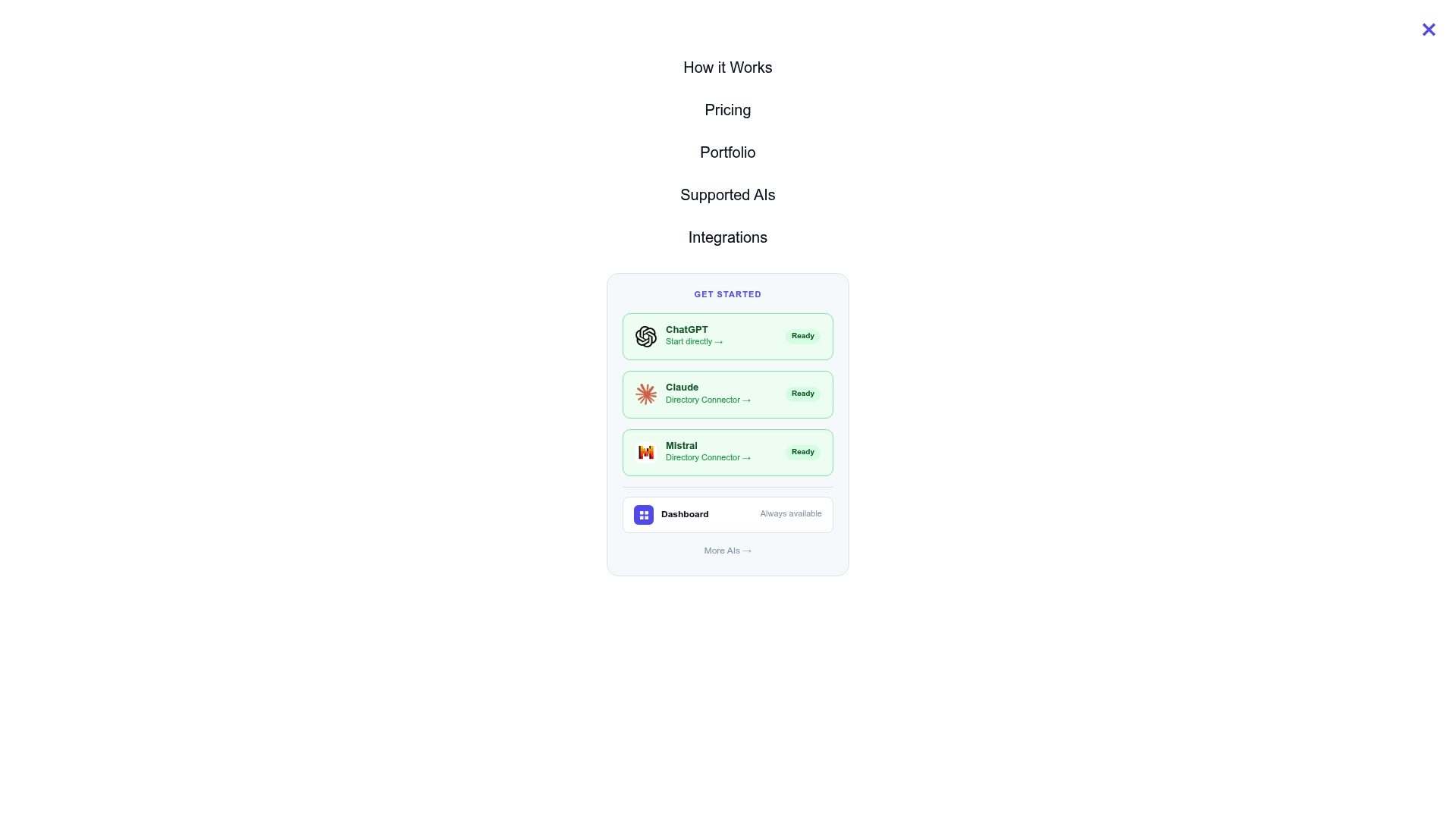
That combination means you can have forms, payment processing, and a working site live within minutes, then keep editing visually in your browser whenever your business changes, without needing to reopen an old AI session and re-explain your entire project. Your content and design changes stay yours, saved and editable, not locked inside a chat history you’ll lose track of. If you’re ready to see how a conversational build handles your specific brief, start with the AI website builder and generate your first draft today.
Sources
Recommended
- AI Website Maker — Make a Website by Talking to AI
- Build Websites with Claude — Claude AI Website Builder
- Build Websites with ChatGPT — ChatGPT AI Website Builder
Build your site the same way
Describe what you want. Your AI builds and publishes it — with the full stack behind it: data, auth, forms, payments, integrations and hosting.
See how it works →